O Elemento <dialog>
Apesar de ser um Desenvolvedor de Software Sênior, deparei-me, dias atrás, com um elemento html que não conhecia: o dialog. Talvez por trabalhar com software legado, que já possui um layout padronizado, com elementos já definidos, não tenha percebido a chegada dessa novidade tão importante para o desenvolvimento de interfaces web. Dei uma olhada na documentação e decidi registrar aqui. Essa funcionalidade está disponível em todos os navegadores desde março de 2022:
This feature is well established and works across many devices and browser versions. It’s been available across browsers since March 2022.
Some parts of this feature may have varying levels of support.
Este elemento é uma caixa de diálogo para criar modais, alertas ou algum outro elemento interativo.
Vantagens
- Você não precisa de libs js pesadas para criar um simples modal;
- Acessibilidade nativa: foco automático, acesso para leitores de telas, tecla ESC para fechar;
- Backdrop: Você não precisa criar uma div extra para fazer o fundo, basta usar o pseudo-elemento ::backdrop
Fiz uma pequena implementação, para ver o elemento funcionando:
<div style="text-align: center">
    <button id="openModal">Abrir modal</button>
    <dialog id="modal">
        <p>Olá mundo!</p>
        <button id="closeModal">Fechar modal</button>
    </dialog>
</div>
<script>
    const modal = document.getElementById("modal");
    const open = document.getElementById("openModal");
    const close = document.getElementById("closeModal");
    open.addEventListener("click", function () {
        modal.showModal();
    });
    close.addEventListener("click", function () {
        modal.close();
    });
</script>
Eis o resultado abaixo:
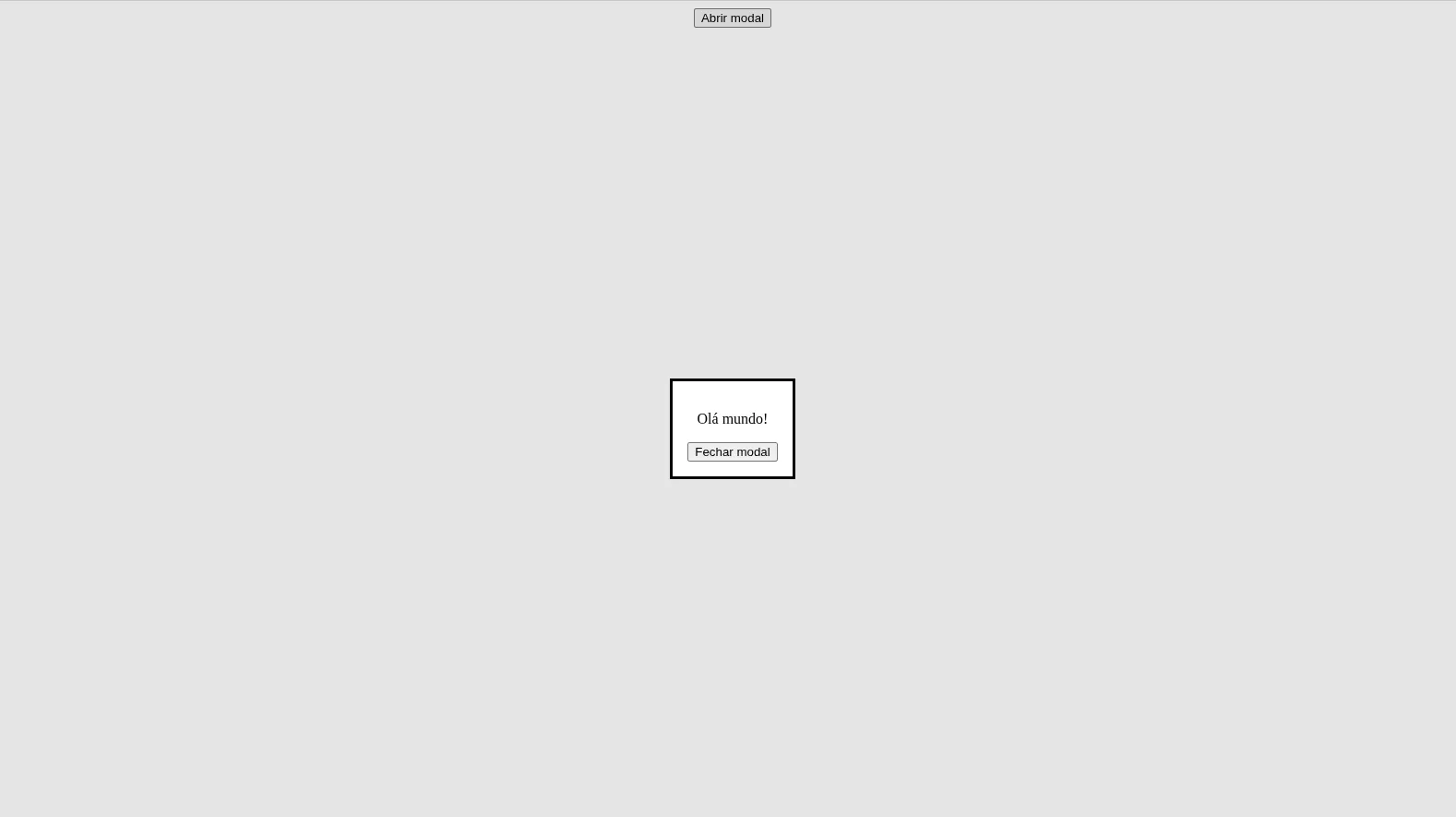
Para dar uma aparência melhor ao elemento, adicionei o Bulma via cdn:
<link
        rel="stylesheet"
        href="https://cdn.jsdelivr.net/npm/bulma@1.0.4/css/bulma.min.css"
    />
Um pouco de estilização no próprio código da tela:
<style>
    dialog {
        border: none;
        border-radius: 6px;
        padding: 0;
        max-width: 90%;
        width: 500px;
    }
    dialog::backdrop {
        background-color: rgba(0, 0, 0, 0.7);
        backdrop-filter: blur(4px);
    }
</style>
E esse é o resultado final:
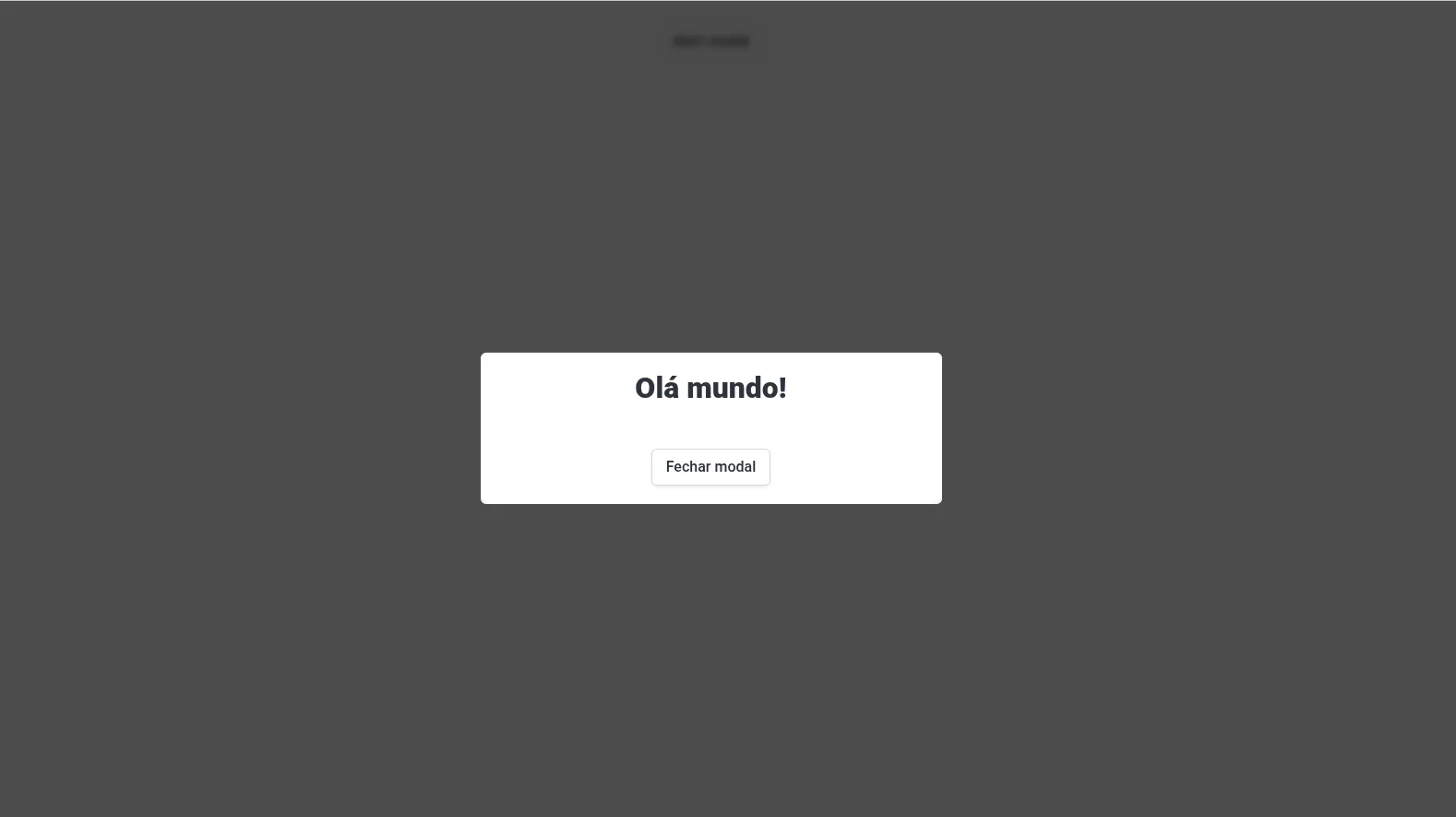
Abaixo, segue o código completo que corresponde a imagem acima:
<!doctype html>
<html lang="en">
    <head>
        <meta charset="UTF-8" />
        <meta name="viewport" content="width=device-width, initial-scale=1.0" />
        <title>Dialog</title>
        <link
            rel="stylesheet"
            href="https://cdn.jsdelivr.net/npm/bulma@1.0.4/css/bulma.min.css"
        />
        <style>
            dialog {
                border: none;
                border-radius: 6px;
                padding: 0;
                max-width: 90%;
                width: 500px;
            }
            dialog::backdrop {
                background-color: rgba(0, 0, 0, 0.7);
                backdrop-filter: blur(4px);
            }
        </style>
    </head>
    <body>
        <div class="has-text-centered">
            <br />
            <button id="openModal" class="button">Abrir modal</button>
            <dialog id="modal">
                <div class="box">
                    <h3 class="title is-3">Olá mundo!</h3>
                    <br />
                    <button id="closeModal" class="button">Fechar modal</button>
                </div>
            </dialog>
        </div>
        <script>
            const modal = document.getElementById("modal");
            const open = document.getElementById("openModal");
            const close = document.getElementById("closeModal");
            open.addEventListener("click", function () {
                modal.showModal();
            });
            close.addEventListener("click", function () {
                modal.close();
            });
        </script>
    </body>
</html>
Obrigado e, até a próxima postagem!
Referências
O elemento Dialog - HTML: Linguagem de Marcação de Hipertexto | MDN. Disponível em: https://developer.mozilla.org/pt-BR/docs/Web/HTML/Reference/Elements/dialog. Acesso em: 24 abr. 2026.
Official bulma documentation. Disponível em: https://bulma.io/documentation. Acesso em: 24 abr. 2026.